January + February 2026 Software Updates
The Resident App is live, billing just got way more flexible, and house-level forms are here. Here's everything we shipped this month.
The Resident App Is Live
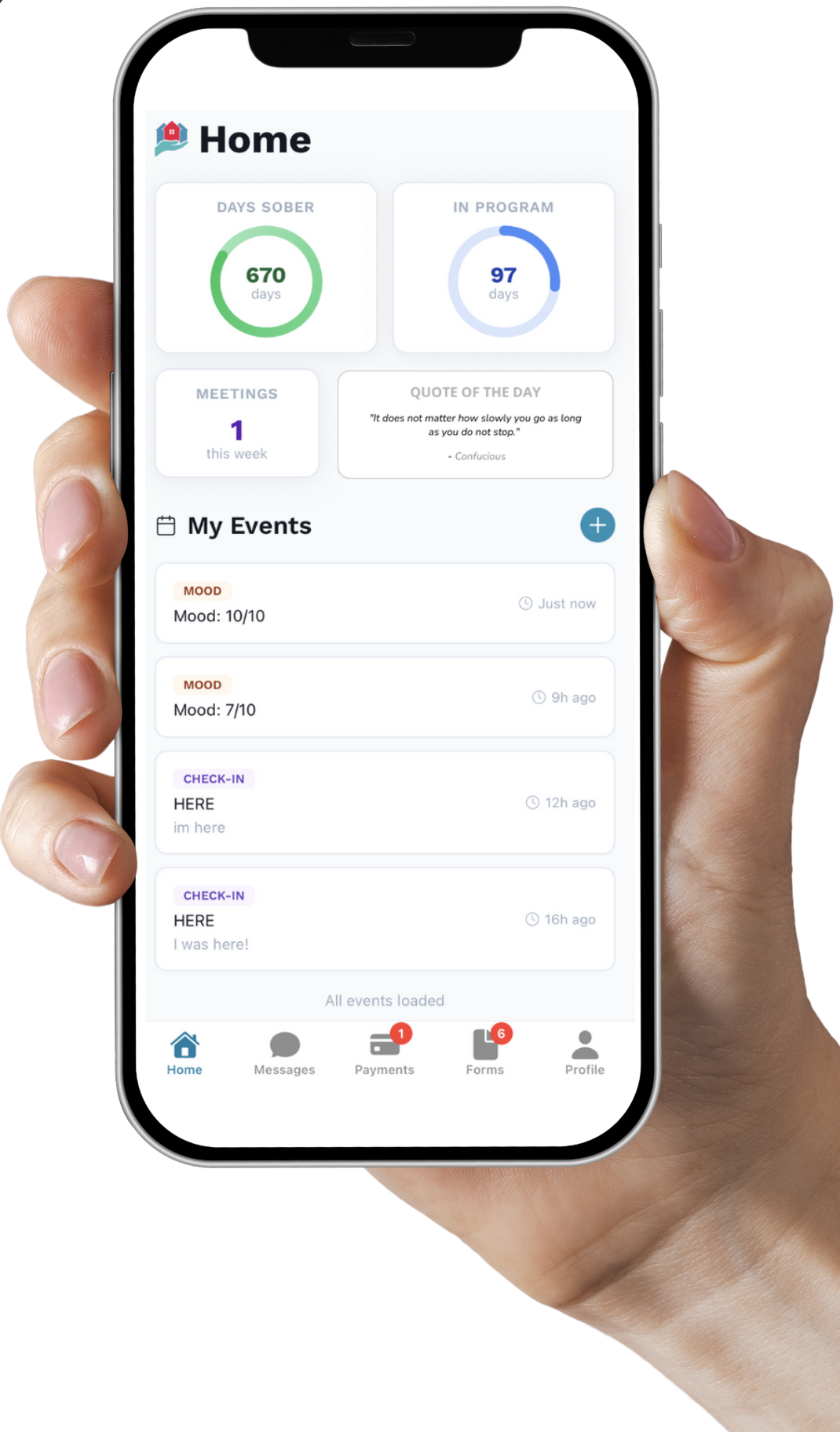
Our most-requested feature is here. The Sobriety Hub Resident Mobile App is now available on both the Apple App Store and Google Play Store. Residents can download the app, create an account, and start logging check-ins, self-reporting updates, and staying connected, all from their phone.
Download the App
Residents sign up using the email or phone number listed on their Resident Detail page. Credentials must match exactly.
🍎 App Store (iOS). ▶️ Google Play (Android)
More Flexible Billing
Two big upgrades to how you handle billing — designed to save you time and give you the flexibility operators have been asking for.
Multiple Subscription Schedules per Resident
Need to bill a resident for weekly rent and a separate monthly service fee? Now you can create multiple concurrent recurring invoice schedules per resident — each with its own billing cycle, amount, and charge type, all running simultaneously.
Subscription Templates
Build reusable templates like "single room weekly housing fee" and apply them to multiple residents at once. Pick the template, set a start date, and you're done. When you update a template, all connected subscriptions update automatically — no more editing one by one.
House-Tagged Forms
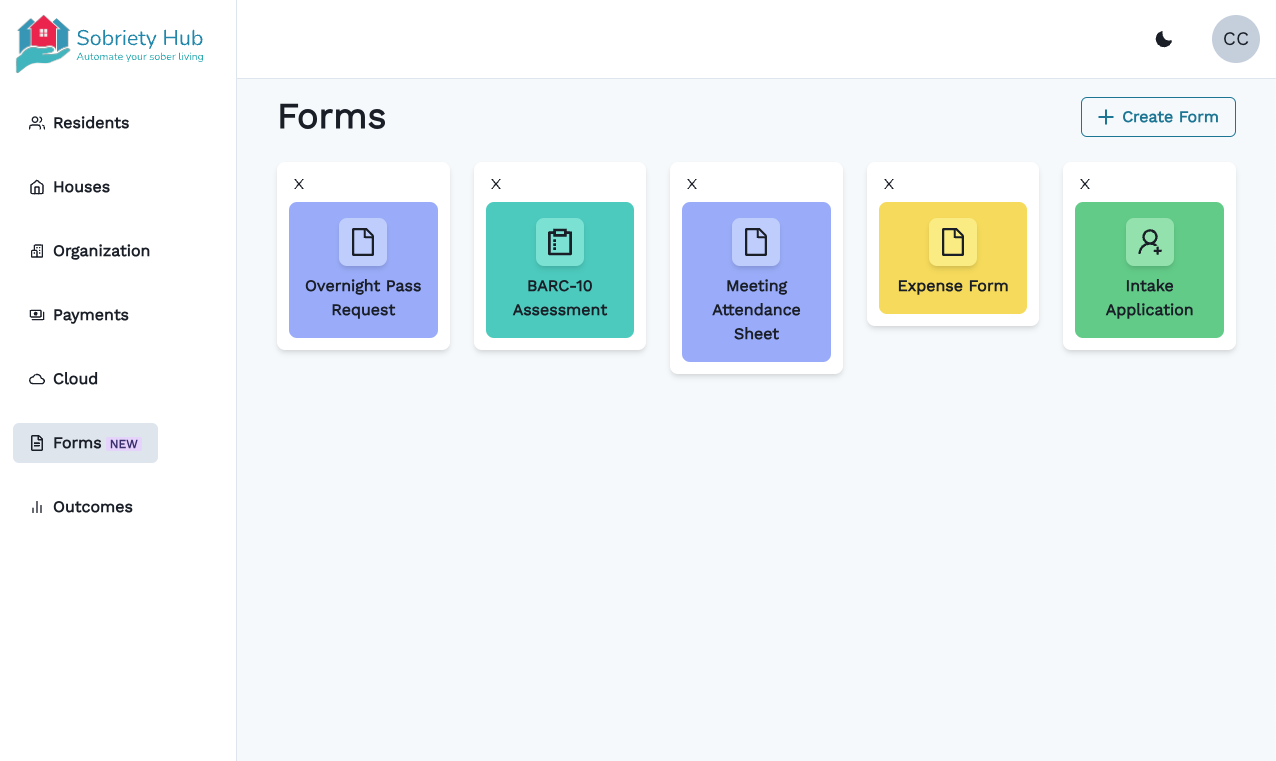
Forms have always connected to residents. Now they can connect to houses, too. We've added a new "House" dropdown field that lets you tag form submissions directly to a property. Once submitted, they appear under the house's Forms section — keeping property-level documentation organized and easy to find.
This is a game-changer for forms that are house-specific rather than resident-specific: evacuation drill logs, maintenance completion records, pest control documentation, safety assessments, and more. In states like Arizona, many of these are required by law — now you can track them at the house level.
We've also updated the Standard Maintenance Request Form to tag to houses by default.
Better Visibility Into Resident Activity
Export Timeline Events
Pull a resident's complete event history with one click. Great for compliance documentation, sending UA logs to probation officers, or keeping thorough records.
Filter by Resident (Self-Reported)
A new "Resident (Self-Reported)" option in the timeline author filter lets you quickly isolate just the events residents submitted themselves through the mobile app — check-ins, self-reported updates, and more.
"Device Used" on Resident Events
Resident-recorded events now show which device was used. This helps prevent password sharing and ensures attendance check-ins are actually coming from the resident's own device. A simple but effective accountability layer.
Cleaner Data, Better Workflow
Export Custom Tags with Residents
Custom tags are now included when you export residents from the Manage Org tab — giving you more complete data in every report.
"Incoming" Is Now "Applied"
We renamed the "Incoming" resident status to "Applied" across the entire system. This better reflects that these are applicants in your pipeline, not residents already on their way in. Coming soon: a full application management system with tracking for rejected applications, applications under review, and more.